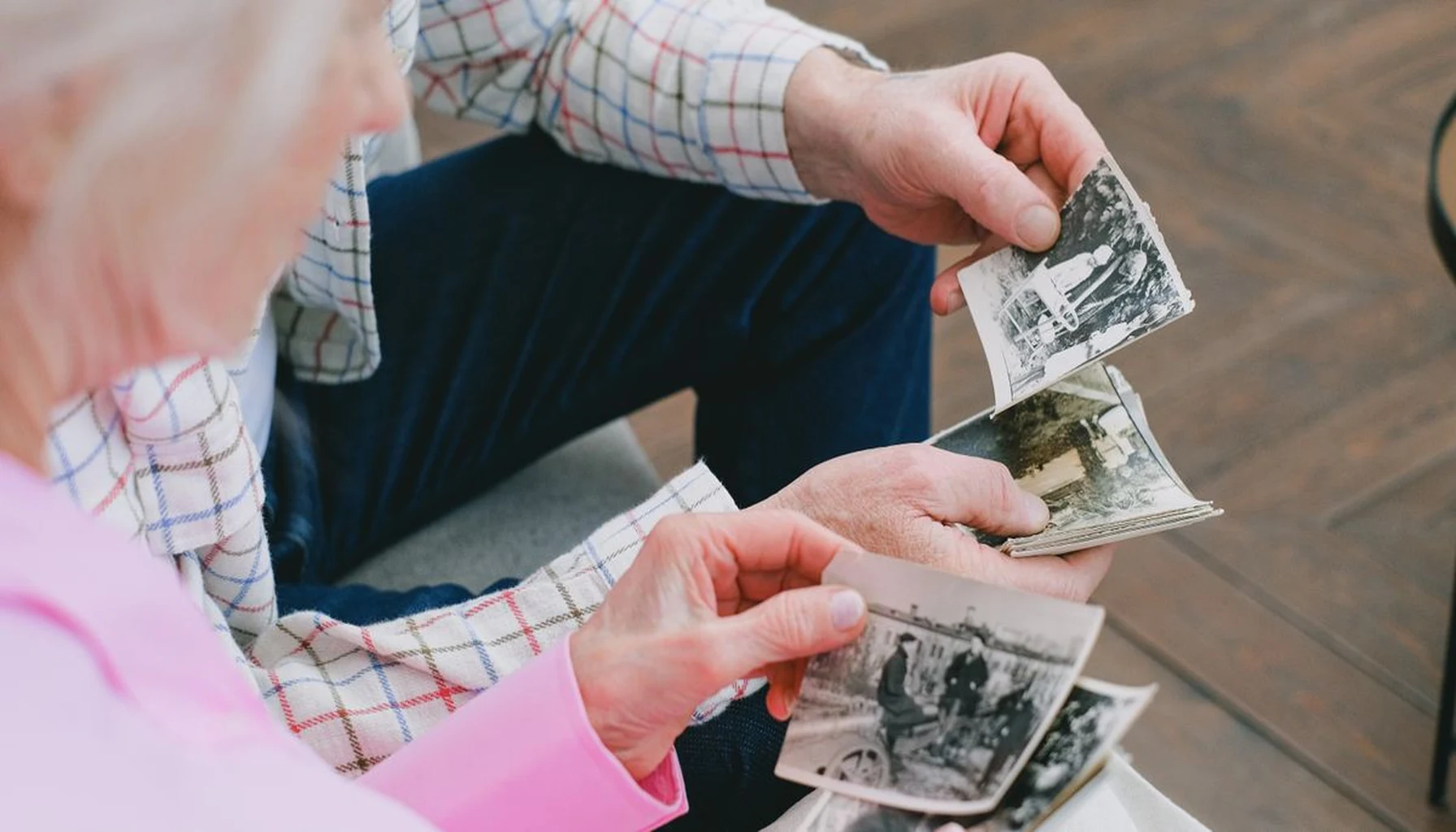
How to Build a Digital Family Museum Before Downsizing in 2025
The average American home contains over 300,000 items. I know that figure because I spent three months researching how people approach remembering what matters before they have to downsize. That’s three hundred thousand objects — and for any family with more than thirty years in one house, the number climbs fast.
Here’s the part nobody talks about: Most of those objects will be forgotten within two generations.
A 2022 survey found that 68% of adult children couldn’t identify their grandparents’ most treasured possessions after inheriting them. Not because they didn’t care. Because the stories were never written down.
If you want to know how to build a digital family museum that survives, start by understanding the real problem.
The Downsizing Trap: What You Actually Lose
When families downsize — whether moving into a smaller home, an apartment, or an assisted living facility — the process follows a predictable pattern.
Everything gets sorted into three piles: keep, donate, throw away.
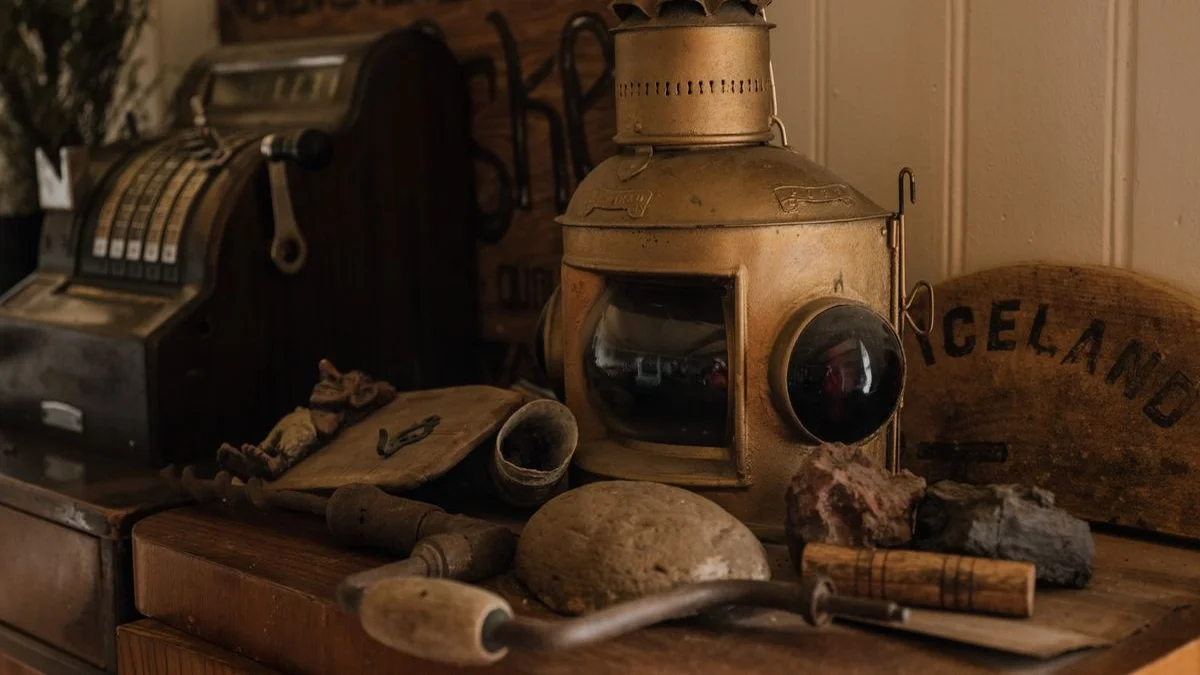
The “keep” pile is where the problem hides. That box of Christmas ornaments. The set of hand-painted teacups. The wooden toy train set that survived three generations. These items get boxed up and moved to a new location, still carrying their stories silently.
Two years later, someone opens that box. Nobody remembers why Great-Aunt Margaret’s embroidered handkerchief was important. Was it her wedding day? A gift from a diplomat? The one thing she grabbed during the war?
Nobody knows. The object survived. The story didn’t.
After researching dozens of legacy apps, one pattern stands out: almost all of them assume the user will type their stories. Audio changes everything. A seventy-year-old’s voice carries context text never can — the hesitation, the accent, the laugh that breaks through mid-sentence.
This is the quiet failure of most digital memory projects. We digitize the object but forget the memory attached to it.
What Most People Try: 3 Common Memory Projects That Fail
The well-meaning approaches fall into three categories. All of them have the same flaw.
The Shoebox Method. Someone buys a fireproof safe. Family photos, birth certificates, and a few handwritten notes go inside. The safe is heavy. Nobody checks it. Eventually, the papers yellow and the ink fades.
The Facebook Archive. A family member uploads photos to social media with captions. The algorithm buries them. The account gets hacked, or the platform changes its terms, or the family member deletes the account in a fit of digital decluttering. Six years later, the account is gone, and so are the memories.
The Cloud Backup. Someone subscribes to a cloud storage service. They scan documents, upload photos, organize folders. The subscription costs $10/month. After three years, that’s $360. After ten years, it’s $1,200. And what happens when the service changes its pricing, or the credit card expires, or the account gets compromised?
All three approaches share a fatal assumption: that someone will maintain the system indefinitely. Life doesn’t work that way.
Most legacy apps share a troubling assumption about user data — that your family history should live on their servers, accessible only through their software, backed by a recurring payment that will eventually lapse. We believe legacy tools should work offline by default. Your family’s stories don’t need a monthly fee to be valuable.
The Problem You Actually Need to Solve
Here’s the uncomfortable truth about building a digital family museum: you’re not preserving objects. You’re preserving the relationship between people and objects.
That dented silver locket isn’t valuable because of its metal content. It’s valuable because it was the last thing your grandmother received from her mother before immigrating. The crack in the porcelain teacup isn’t damage — it’s the sound of it hitting the floor during a New Year’s Eve party in 1963.
A proper digital family museum captures three layers for every item:
- The physical record: A clear photo showing the object as-is, damage and all
- The story: An audio recording in the owner’s voice, explaining why it matters
- The context: Metadata about the item — who owned it, when, where it came from
Text alone can’t do this. Photos alone can’t do this. You need all three layers bound together in a format that requires no internet, no subscription, and no ongoing maintenance.
Step by Step: How to Build a Digital Family Museum That Lasts
Here’s the process that actually works — tested against the failure modes above. It takes about twenty minutes per item, and you’ll be amazed at how fast the stories start flowing once someone holds an object while recording.
Step 1: Choose Your Objects
Don’t try to archive everything. That’s how people burn out in week two. Instead, focus on the ten to twenty items that carry the most emotional weight. Look for objects with:
- A clear origin story (gifted, inherited, found during a significant event)
- Multiple family connections (something that passed through several hands)
- Visible wear that tells a story (that crack, the worn handle, the faded inscription)
Step 2: Photograph with Context
Take two photos of every item. One close-up showing detail. One wide shot showing the item in its natural environment — sitting on the shelf where it’s lived for decades, held in the hands that use it.
Don’t remove the wear. Don’t clean it for the photo. The dust and scratches are part of the history.
Step 3: Record the Story (This Is the Critical Step)
This is where most digital memory projects fall apart. People write notes. Notes lose nuance. Write a few bullet points as a backup, but the primary record should be audio.
Here’s the trick: start the recording before you ask the question. The silence matters. The hesitation matters. The “oh, I remember” that comes thirty seconds in matters.
Listen for these prompts:
- “This belonged to [name], who…”
- “I remember when we…”
- “The funny thing about this one is…”
- “They don’t make them like this anymore, but…”
These phrases unlock the story behind the object. The audio file is the museum. Everything else is support.
Step 4: Bundle Everything Together
This is the step most solutions get wrong. A folder full of separate files — photo here, audio there, text notes elsewhere — guarantees that something will get separated during transfer.
Instead, each item should produce a single bundle containing:
- The primary photo
- The audio recording
- A text transcript as backup
- Metadata (date recorded, who told the story)
Step 5: Share via USB or Local Folder
Here’s where the offline philosophy pays off. Put the complete archive on a USB drive. Label it clearly. Put it in the fireproof safe alongside the birth certificates. Make a copy for a trusted family member.
No login required. No account to maintain. No subscription expiring. The archive lives on the drive, accessible to any computer that can open the file format.
The Format Question: What Should Survive the Longest
The technology you choose matters more than you think. A JPEG from 1995 still opens today. A WordPerfect file from 1995 is effectively dead.
For maximum longevity, use these formats:
| File Type | Best Format | Notes |
|---|---|---|
| Photos | JPEG or PNG | Universal, lossy but good enough for documentation |
| Audio | MP3 at 192kbps or higher | Every device plays it. Avoid proprietary formats |
| Text | Plain text (.txt) or Markdown (.md) | PDF works but requires a viewer |
| Metadata | CSV or simple TXT | Excel files change format every few years |
Your goal isn’t maximum quality. It’s maximum survivability. A slightly compressed photo that opens in 2050 beats a pristine RAW file that requires software nobody remembers.

What Happens After You Build It
Once you’ve created a digital family museum, two things become possible that weren’t before.
First, downsizing becomes a liberation instead of a loss. Every object in the “keep” pile has an attached story. Every item you donate or sell has been digitally preserved. The emotional weight shifts from “I’m losing this” to “I’ll always have the story.”
Second, the archive becomes a living document. A grandchild can listen to Great-Grandma’s voice explaining the wooden toy train. A niece can see the original photo of the embroidered handkerchief. The museum doesn’t sit in a box in an attic. It sits on a USB drive that gets passed around at family gatherings.
That’s the upside of keeping it offline. No platform dependency. No paywalls. No account required. The museum belongs to your family, forever.
A Practical Starting Point
If this feels overwhelming, start absurdly small. Pick exactly one object. Photograph it. Record a two-minute story about it. Bundle the files together. Put them on a USB drive.
That’s it. One item takes fifteen minutes. You’ll learn more from that single experience than from reading ten articles about how to organize a larger project.
The technology part is secondary. What matters is that someone — right now — is still alive who knows the stories. Every week you delay is a story you risk losing.
Ready to get started? Check out our guide to recording family stories step by step for more help. For managing records across generations, explore the best record-keeping apps for elderly parents.
Pick one object. Record one story. That single act changes everything.